- Contractor Items allow organizations to track materials, tools, or services supplied by contractors.
- By associating items with specific contractors, teams can monitor procurement costs, ensure timely delivery, and maintain accurate stock levels for operational efficiency.
Navigation Path
- Log in to the application.
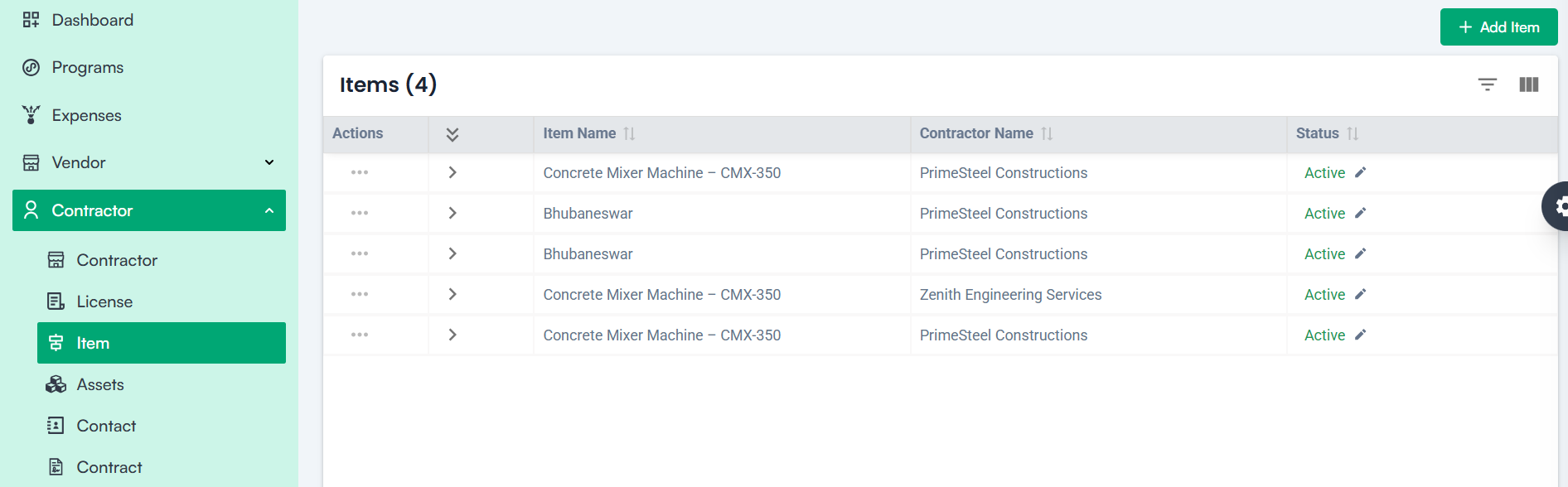
- Navigate to the left menu and click Contractor.
- Select Item.
- Click the Add Item button.
Form Fields Explained
1. Contractor*
Select the registered contractor from the dropdown list to whom the item will be assigned. Only contractors already added to the system will appear here.
2. Select Item
Choose the item from the dropdown list. Items must be predefined in the item master to ensure consistency.
3. Price
Enter the unit price at which the contractor supplies the item. This field is mandatory for cost calculations and budgeting.
4. Currency Code
Select the currency used for pricing the item. This ensures accurate financial reporting across regions.
Action Buttons
- Save – Stores the item details under the contractor’s profile after filling all mandatory fields.
- Cancel – Discards entered data and exits the form without saving.
Note: For Creating a Contractor Item
1. Mandatory Fields:
- Contractor Name *
- Item *
- Price *
- Currency Code *
2. Configurations in Company Settings:
- Items are configured under: Company Settings ➝ Item Master